
For day-zero Coder users, we recommend following this guide to set up a local Coder deployment from our open source repository.
We’ll use Docker to manage the compute for a slim deployment to experiment with workspaces and templates.
Docker is not necessary for every Coder deployment and is only used here for simplicity.
Install Coder daemon
First, install Docker locally.
If you already have the Coder binary installed, restart it after installing Docker.
Linux/macOS
Our install script is the fastest way to install Coder on Linux/macOS:
curl -L https://coder.com/install.sh | shWindows
If you plan to use the built-in PostgreSQL database, ensure that the Visual C++ Runtime is installed.
You can use the
winget
package manager to install Coder:
winget install Coder.CoderStart the server
To start or restart the Coder deployment, use the following command:
coder serverThe output will provide you with an access URL to create your first administrator account.
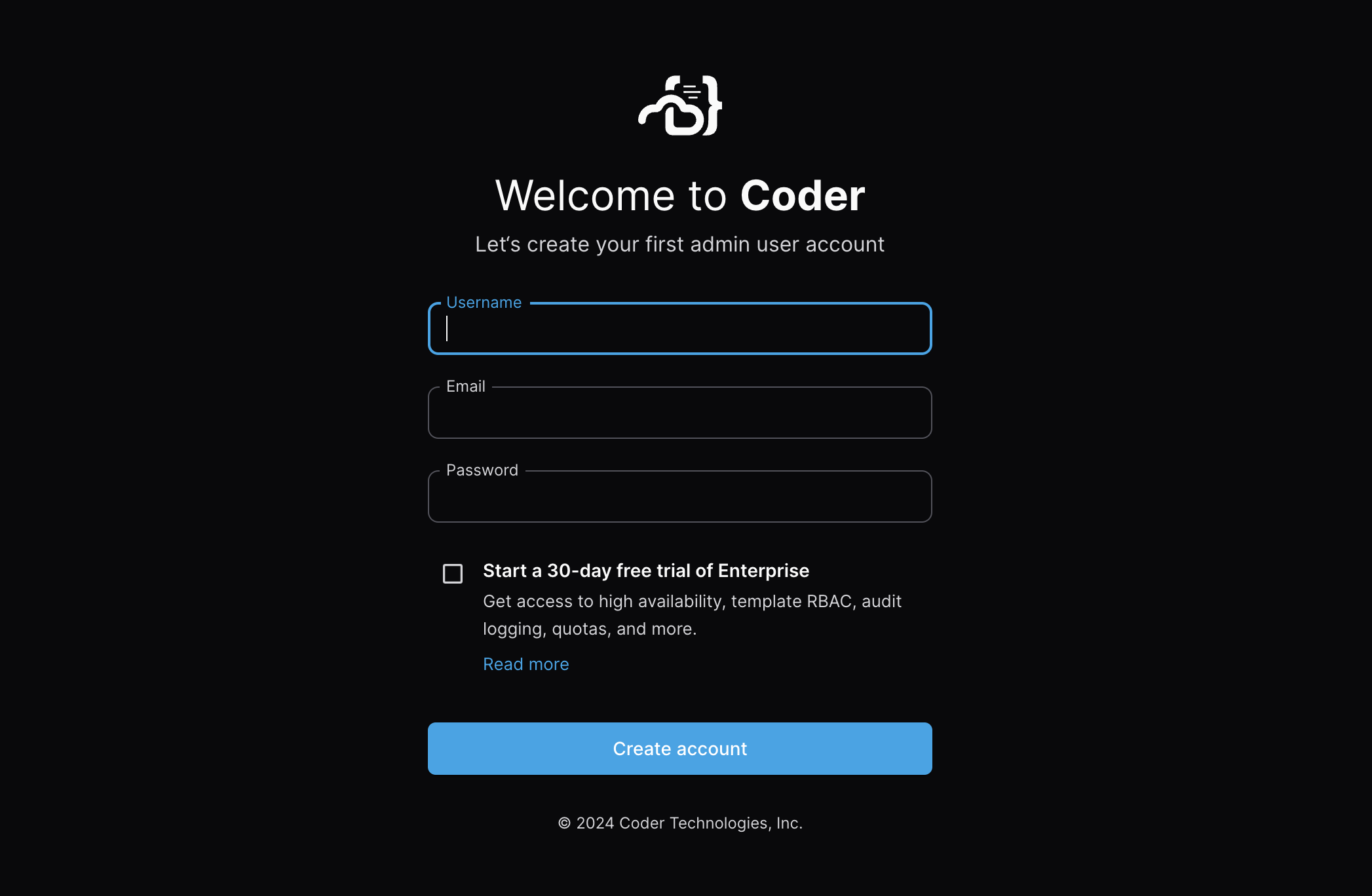
Once you’ve signed in, you’ll be brought to an empty workspaces page, which we’ll soon populate with your first development environments.
Next steps
TODO: Add link to next page.