JetBrains Fleet is a code editor and lightweight IDE designed to support various programming languages and development environments.
See JetBrains’s website to learn more about Fleet.
To connect Fleet to a Coder workspace:
-
Install Coder CLI
curl -L https://coder.com/install.sh | sh -
Login and configure Coder SSH.
coder login coder.example.com coder config-ssh -
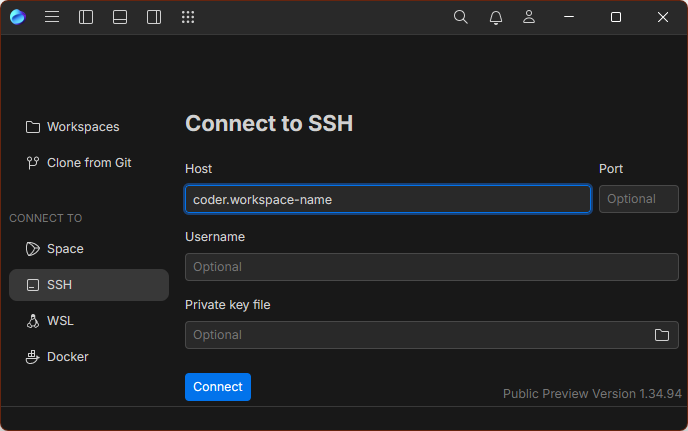
Connect via SSH with the Host set to
coder.workspace-name